
Best Free AI Tools for Content Creation (2025 Edition)
As of 2025, AI shouldn’t appear to be a luxury anymore when creating content; it’s your creative partner. The appropriate AI instruments can assist you in writing more quickly, creating extraordinary images, and producing videos, music, and voiceovers, all free of charge. This article presents free AI content creation tools to cover all your content creation needs, be it writing, research, design, video, or audio. As a blogger, marketer, or YouTuber, you are guaranteed to save hours and broaden your creative horizons with these tools at no cost.

Importance of Free AI Tools in 2025
AI tools are exceedingly ubiquitous in content creation. Surprisingly, for those creators that are still on the fringe of profitability, many tools that have switched to premium plans still offer free versions with enough functionality to be useful.
Free AI tools are ideal for:
- Independent creators and freelancers with constrained resources;
- Small businesses that would like to streamline operations at no additional cost;
- Students and teachers that want to utilize AI for enhancing learning and presentation tools;
- Social media content creators that need to generate attractive content quickly.
1.Tools for Writing and Ideation.
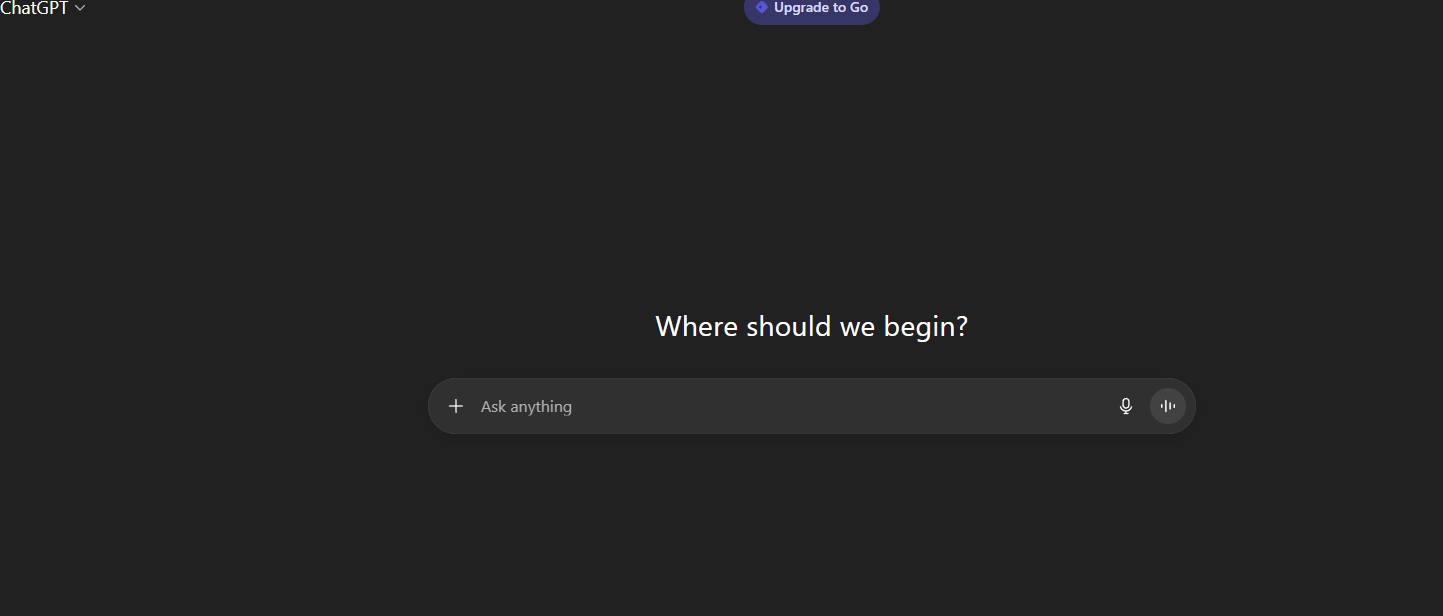
🧠 ChatGPT Free (GPT-4o) : ChatGPT is still the first choice Free AI Tools writing assistant. Even free users can access the GPT-4o model which can produce outlines, titles, and entire blog posts in a natural, engaging manner. It can also decipher images, analyze and summarize PDFs, and recap other forms of documents.
Best for: coming up with writing ideas, social captions, rewriting, and writing blog intros. Tip: Use “in a conversational tone” or “SEO-friendly” for blog drafts.
Limit: There are limits on the number of tasks you can perform in a day.
💬 Microsoft Copilot (Free) :
“As part of Edge and Windows, Microsoft Copilot is free and handy for interactive AI writing wherever you work, whether that be for emails, the web, or Microsoft Office. It is also very efficient and reliable.
- Best for: quick rephrasing, summaries, and brainstorming blog titles.
- Limit: Some of the higher tier Micorosft 365 tools which are used in conjunction with Copilot are paid.
✍️ Grammarly Free + AI Assistant
While Grammarly is better known for its grammar Free AI Tools, grammar AI technologies also helps with writing and is now a freemium offering. It can rephrase, adjust writing tone, and draft small sections of text.
- Best for: proofreading, clarity improvement, tone adjustments.
- Limit: Limited prompts and advanced rewrite options will be preset.
🔁 QuillBot Free
QuillBot is superb for paraphrasing and summarizing tasks. It can rephrase material while preserving content meaning. Even the free version provides access to the Standard and Fluency modes.
- Best for: Improving sentence quality and readability.
- Limit: fewer tone options and the word limit for paraphrasing.
🔍 2. Research & Fact-Checking Free AI Tools
🧭 Perplexity AI (Free)
Perplexity is a combination of Google, ChatGPT, and Wikipedia. It answers questions and provides real-time web results of the sources which is a time saver for bloggers and researchers.
- Best for: Verifying facts with reliable sources, researching a topic. Pro Tip: Ask Perplexity to “list top-ranked sources.”
- Limit: Advanced features with more capabilities are available on the Pro plan.
Also check
🎨 3. Design & Image Creation Free AI Tools
🖌️ Canva Magic Studio (Free Plan)
Design is very easy with Canva’s Magic Write, Magic Design, and Text-to-Image tools. Even the free account has AI templates, background removal, and lots of drag-and-drop options for custom social media posts, YouTube thumbnails, and blog banners.
- Best for: Social media post designs, blog headers, and brand kits.
- Pro Tip: In Canva docs, use Magic Write to generate captions and summaries on the document.
🎞️ Adobe Firefly (Free with Credits)
Adobe’s AI platform Firefly brings image generation and editing to the next level. You can generate or expand images using simple text prompts, all within a free monthly credit limit.
- Best for: Product mockups, creative backgrounds, visual storytelling.
- Limit: monthly credits on Firefly. Product mockups, innovative backgrounds, and narrative visuals are some of the tools envisioned. Some limitations are that free credits reset every month, while premium plans offer higher-res exports.
🧑🎨 Pixlr (Free with AI Features)
Pixlr’s online editor now offers AI-powered tools for erasing backgrounds, cleaning objects, and even generating images. This app editor is fast, and engine driven, and requires no installation.
- Best for: Quick image edits, social graphics, or resizing.
- Limit: Monthly reset of AI credits with some advanced effects being restricted.
4.Video Creating and Editing Tools
🎬 CapCut (Free) CapCut, TikTok’s sister app, is a creator’s dream. It has free AI tools that assist with auto captioning, scripting videos, and syncing to a beat. It works with YouTube shorts, Instagram reels and TikTok videos.
- Best for: Quick edits, reels, meme content, and captioning.
- Pro Tip: Use “Auto Captions” and “Text to Speech” for quick narration.
🎙️ Descript (Free)
Descript is a revolutionary tool that allows users to edit videos by simply editing the text. You can remove certain portions of the video by erasing text from the video transcript.
- Best for: Podcasters, educators and interview-style content creators.
- Limit: Recording and export time is capped on the free plan.
For those who like creating music, there’s BandLab! BandLab is a free browser-based music studio offers an AI SongStarter, Voice Cleaner, and sound mixing tools all for free! You can create and download royalty-free background music for your videos or podcasts in an instant.
- Best Features: AI music generation, background track creation, and audio remixing.
- Pro Tip: Choose SongStarter for a base track, then add and layer loops from BandLab’s free library.
ElevenLabs offers one of the most natural-sounding AI generated voices as a free plan with 10,000 monthly credits which is equivalent to around 10 minutes of pro voiceover.
- Its best used for voiceovers, audio books, and narrations in different languages.
- Pro Tip: Repurpose a blog into a spoken podcast or YouTube narration to make it more accessible to more people.
For those who like remixing, the free plan of LALAL.AI is perfect for you!
LALAL.AI instantly separates audio tracks so you can remove the instruments, or vocals and leave the background for you to use. Best Features: Audio isolation, karaoke mode, and remixing. Limitation of free plan: audio previews only, and you would have to pay for audio previews to download.
Ollama allows you to run large language models like Llama, Mistral, or Gemma locally on your computer. You can use it for free and privately and is a great way to use AI without the cloud.
- Ideal for: Offline drafting, generating ideas, or assistance with code.
- Pairing with a note app like Obsidian allows for privacy-focused workflows.
🧠 LM Studio (Free for Work)
LM Studio features a simple design for locally running AI models. With a suitable GPU, you can process text, code, or ideas at no cost.
- Ideal for: Private writing, research, and long-form drafting with no API limitations.
- For quicker responses, use smaller models like Mistral-7B.
⚡ Quick AI Workflow Examples
💡 A) Blog Post Workflow (Free Stack) : Outline with ChatGPT Free (GPT-4o) Fact-check using Perplexity Polish tone with Grammarly Create featured image in Canva or Firefly Generate captions for social media using ChatGPT
🎥 B) Short-Form Video Workflow Script with ChatGPT or Copilot Voiceover using ElevenLabs Background music from BandLab Edit in CapCut Create thumbnail in Canva
🎙️ C) Podcast Workflow Record & edit in Descript Separate background music with LALAL.AI Generate show notes with ChatGPT Design cover art with Canva
Goal | Best Free Tools |
Blogging & SEO | ChatGPT + Grammarly + Perplexity + Canva |
Social Media | CapCut + Canva + BandLab + ChatGPT |
YouTube Creation | ChatGPT + ElevenLabs + CapCut + Firefly |
Private Writing | LM Studio + Ollama |
Research & Data-Driven Writing | Perplexity + ChatGPT |
Free AI Tools Limitations
- Usage Caps: There are daily or monthly limits on ChatGPT and Firefly.
- Watermarks: Free exports of some video and image tools include watermarks.
- Feature Gaps: Free tiers of tools typically limit access to the more powerful AI tools and templates.
- Data Privacy: If you plan on uploading client or personal data, you should read the terms.
- In spite of these issues, you can still use several free tools to handle 80-90% of your creative work.
🌟 Final Thoughts
For creators, 2025 is the most promising year yet. Professional-grade AI tools are more accessible and free to use than ever. These AI tools can manage the bulk of work while you concentrate on the more creative aspects – be it designing, video editing, or writing a blog.
2 thoughts on “Best Free AI Tools for Content Creation (2025 Edition)”